
DIY Event Planning
DIY: Conduct a 20-Minute Venue Walkthrough for Your DJ
A practical 20-minute venue walkthrough for event hosts: check load-in, audio areas, power locations, DJ sightlines, sound restrictions, weather backup, and contacts.
By Arizona DJ Connection · October 16, 2026
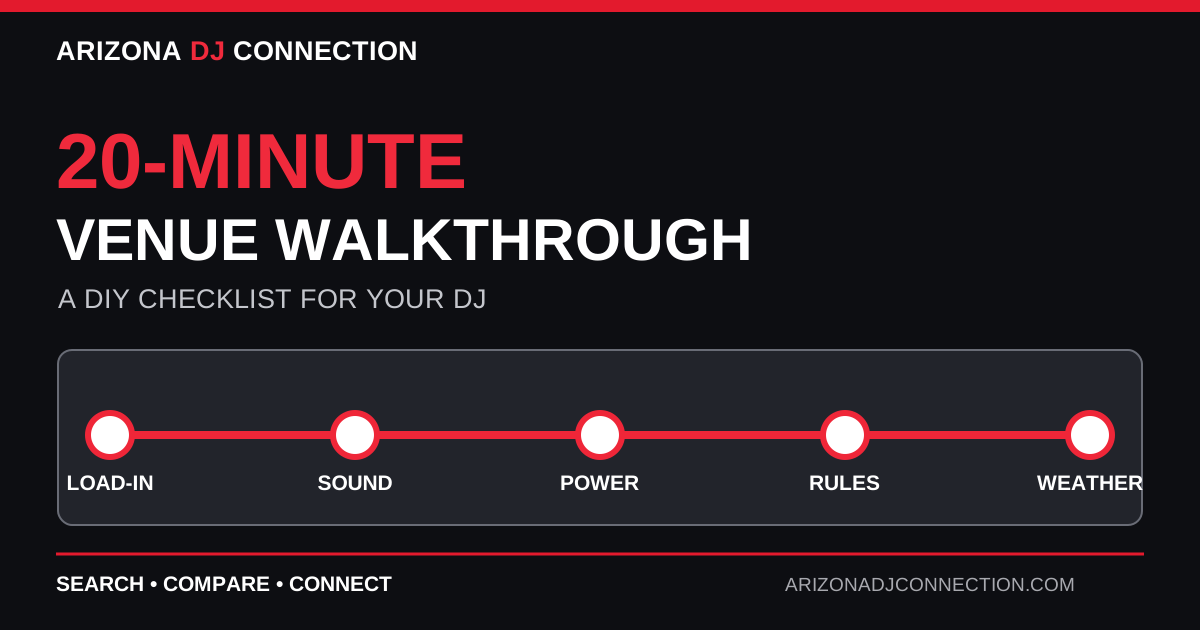
# DIY: Conduct a 20-Minute Venue Walkthrough for Your DJ
A DJ can bring excellent equipment and still face preventable problems if nobody checked the venue layout, power, load-in route, or sound restrictions before event day.
You do not need to be an audio engineer to collect the right information. A short walkthrough—either in person or by video call with the venue—can give your DJ a useful starting point and reveal questions that need professional answers.
This guide shows you how to complete a practical **20-minute venue walkthrough** for a wedding, company party, backyard celebration, or community event.
What to Bring
Before you begin, gather:
- Your phone with a camera and notes app. - A simple venue floor plan, if one is available. - Your expected guest count. - The event schedule and start/end times. - A list of planned activities: ceremony, speeches, dancing, presentations, or performances. - The venue coordinator's contact information.
**Important:** This is an information-gathering walkthrough, not permission to modify electrical systems, rig lights, run unsafe cables, or operate venue equipment. Leave technical decisions to qualified professionals.
Minutes 0–3: Find the Load-In Route
Start where the DJ vehicle will arrive.
Walk the exact path from parking or loading to the performance area. Note gates, elevators, stairs, gravel, grass, long hallways, narrow doors, and any places where a cart cannot travel.
Take two or three photos and record the approximate distance. Ask the venue when vendors can arrive and whether unloading must happen during a limited window.
A long load-in route can affect staffing, equipment choices, and setup time. It is better to discover that during planning than 30 minutes before guests arrive.
Minutes 3–6: Identify Every Area That Needs Sound
Stand where the guests will actually be.
Mark the ceremony, cocktail area, dinner tables, dance floor, and any stage or presentation area on the floor plan.
For each location, ask:
- Will guests need music here? - Will someone speak into a microphone here? - Will sound need to continue in another area at the same time? - Is the area indoors, outdoors, or partly covered?
A single speaker system may not serve separated spaces well. Do not promise the DJ that equipment can be moved quickly between areas without asking them.
**Deliverable:** A simple map showing every place where audio is needed.
Minutes 6–9: Locate Power—Without Touching It
Ask the venue representative to identify approved power outlets near the proposed DJ position.
Record their locations and photograph them. Ask whether the circuits are shared with catering, decorative lighting, food trucks, or other high-demand equipment.
Do **not** open electrical panels, test wiring, or assume a household outlet can safely support an entire production. The DJ or a qualified electrician should confirm electrical requirements and distribution.
For outdoor locations, ask whether approved power is already installed and whether the venue permits generators or battery systems.
**Deliverable:** Outlet locations and the name of the person who can answer power questions.
Minutes 9–12: Check the DJ Position and Sightlines
Look at the space from the DJ's likely position.
Can the DJ see the dance floor, stage, and main entrances? Can the MC see the person giving cues? Are there pillars, walls, or crowds that will block communication?
A convenient corner is not always a good operating location.
Also ask where speakers, lighting stands, and cables may be placed. Do not draw a final cable route yourself; instead, photograph obstacles and share them with the professional responsible for safe setup.
If there is a stage, confirm whether the DJ will be on it or at floor level.
Minutes 12–15: Ask About Sound Rules and Timing
Many venues have rules that affect the entertainment plan.
Ask:
- What time must amplified sound stop? - Are there volume limits or sound monitoring requirements? - Are outdoor speakers allowed? - Is there a required speaker orientation? - Does the venue supply an installed sound system? - Who operates that system? - When must equipment be removed?
Write down the answers, especially the hard end time. If there is a written venue policy, request a copy for the DJ.
Do not rely on a verbal assumption that “music can go as late as we want.”
Minutes 15–18: Check Weather, Lighting, and Guest Movement
For outdoor Arizona events, note whether the DJ position has permanent shade, overhead protection, and a safe alternate location if conditions change.
Heat, wind, dust, and unexpected rain can affect equipment and safe operation. A pop-up canopy is not automatically a complete weather plan.
Ask who decides whether the event moves indoors and how much notice vendors will receive.
Indoors, look at house lighting, dark corners, emergency exits, and where guests will walk between the bar, restrooms, and dance floor. The venue and DJ should agree on safe equipment placement that keeps exits and paths clear.
Minutes 18–20: Confirm Contacts and Next Steps
Before leaving, identify who can answer follow-up questions.
Record:
- Venue coordinator name and phone number. - Day-of manager or security contact. - Approved vendor arrival time. - Equipment access restrictions. - Power contact. - Weather decision-maker. - Sound cutoff and teardown deadline.
Then ask the venue whether they have a vendor information packet or technical requirements document.
Turn Your Notes Into a One-Page DJ Brief
Your DJ does not need 40 unlabeled photos. Organize what you collected into a concise brief.
Copy this template:
**Event:** [name and date] **Venue:** [name and full address] **Guests:** [estimated count] **DJ coverage:** [start/end] **Vendor access:** [load-in time and entrance] **Audio areas:** [ceremony / dinner / dance floor / other] **Microphone needs:** [officiant / speeches / presentations / other] **Power:** [approved outlet locations; confirmation pending] **DJ location:** [proposed area, not final] **Sound restrictions:** [limits and hard stop] **Weather backup:** [location and decision-maker] **Venue contact:** [name and phone] **Open questions:** [items needing DJ or venue confirmation]
Attach a marked-up floor plan and a small selection of labeled photos.
What to Ask the DJ Afterward
Send the brief before accepting a final quote and ask:
1. Is one sound system sufficient for the planned spaces? 2. Will the microphone setup cover all speaking locations? 3. Does the proposed DJ position work for the event flow? 4. What electrical information still needs confirmation? 5. How much setup time is required? 6. Does the load-in route change staffing or equipment needs? 7. What weather protection or alternate location is required? 8. Are there venue restrictions that affect the package? 9. Who is responsible for the final technical layout? 10. Should the DJ conduct their own site visit?
A professional DJ may identify issues that are not obvious from your walkthrough. That is the point of collecting the information early.
Common Mistakes to Avoid
**Assuming a power outlet means adequate power.** The circuit capacity and other connected loads matter.
**Choosing a DJ corner based only on appearance.** Sightlines, speaker placement, and guest flow matter too.
**Forgetting cocktail hour or a second room.** Multiple audio areas can require multiple systems.
**Ignoring the vendor entrance.** Stairs and long distances affect load-in.
**Treating a canopy as weatherproofing.** Outdoor equipment needs a real contingency plan.
**Waiting until event day to ask about sound restrictions.** A hard cutoff may change your entire timeline.
A Better Event Starts With Better Information
This 20-minute walkthrough will not replace a DJ's technical assessment. It will, however, help you ask better questions, compare proposals on a more consistent basis, and reduce preventable surprises.
Use Arizona DJ Connection to research DJs who can explain their setup requirements and work with your venue.
**Document the space. Share the brief. Let the professionals finalize the technical plan.**